Proactive IT
IT Monitoring, Patching & Endpoint Security
Small problems found before they stop work: updates applied after hours, disks and backups watched, and security alerts looked at by a person.

IT Monitoring, Patching & Endpoint Security
Find Problems Before Your Staff Do
Most IT emergencies give a warning first. A disk fills up over a month. A backup fails quietly every night for a week. A laptop hasn’t installed an update since spring. The firewall licence expires on a Saturday. Nobody notices until something stops working, and then it’s urgent.
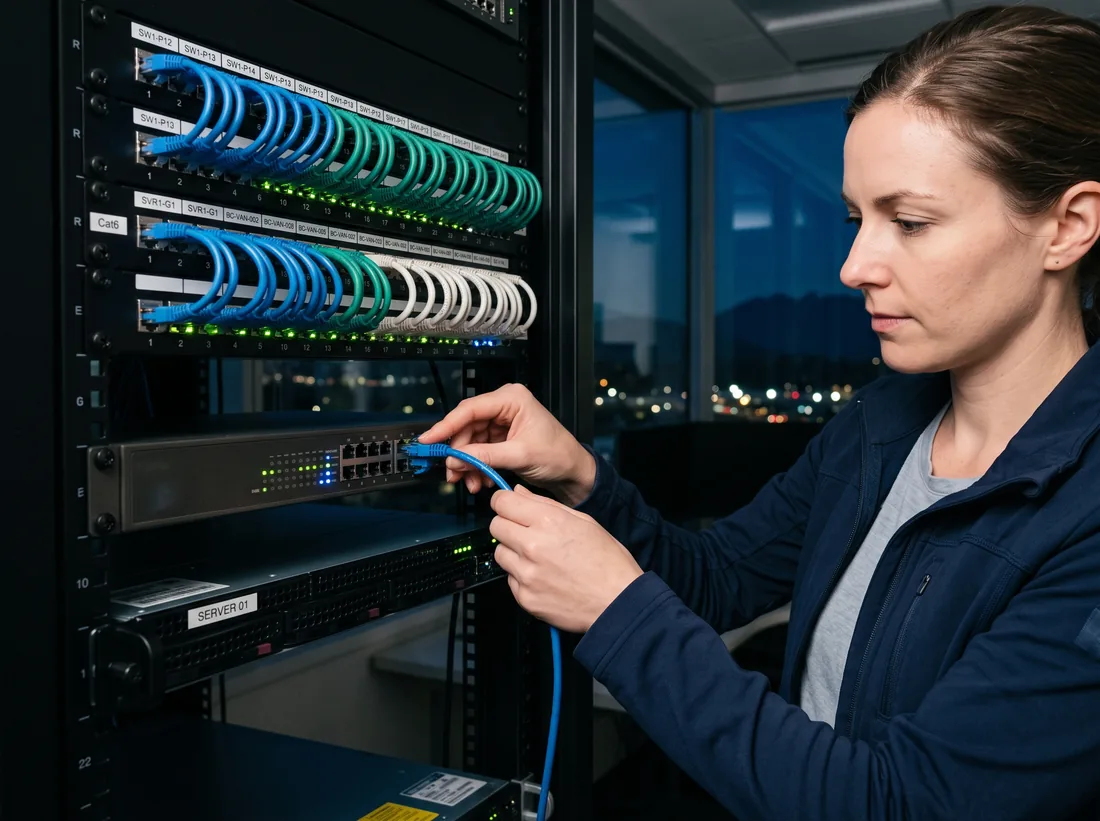
Remote monitoring and management software, usually called RMM, watches for those warning signs on every computer and server, and our team acts on them. Windows and common apps are patched on a schedule after hours, with restarts planned so nobody loses work. Endpoint detection and response (EDR) watches for ransomware-like behaviour and can cut a laptop off the network in seconds. Alerts go to a person who reads them, not an inbox nobody checks.
Monitoring and patching are part of every outsourced IT plan, and can be added for businesses with their own IT person. Questions? Call 604-359-5284.
What’s included
What IT Monitoring, Patching & Endpoint Security Covers
Patch management
Windows, Microsoft 365 apps, browsers and common programs like PDF readers and video-meeting apps, updated in tested rings.
Health monitoring
Disk space, failing drives, high memory use, devices that haven’t checked in, and servers that rebooted unexpectedly.
Backup monitoring
Failed or skipped backup jobs flagged the same day, plus regular test restores so you know the backup actually works.
Endpoint detection and response
Behaviour-based protection on every computer. Suspicious activity is blocked, and an infected device can be isolated remotely.
Network and firewall watch
Internet outages, firewall firmware, licence expiry and Wi-Fi access points that drop off, tracked from one dashboard.
Renewals that don’t sneak up
Domain names, security certificates, warranties and subscriptions tracked, with reminders well before they lapse.
In detail
Patch Night, Step by Step
Microsoft releases its monthly security updates on the second Tuesday of each month. Here’s what happens next.
- Second TuesdayMicrosoft releases updatesWe review the list and known issues
- Days 1 to 3Test ringUpdates go to a small group of computers first
- Following week, after 6pmYour computersUpdates install in batches, restarts scheduled
- Next morningReportWhat installed, what failed, what we’re fixing
- Any time it’s urgentEmergency patchActively exploited flaws get patched faster
How it works
Four Steps to Get Started
- 01
Agent on every device
A small, lightweight agent installed on each computer and server. Staff don’t see it day to day.
- 02
Baseline and clean-up
Missing updates installed, old software removed, warnings that were already firing dealt with.
- 03
Schedules agreed
Patch windows and restart times set around how your business actually works.
- 04
Report every month
Patch status, backup results, security events and anything we recommend you replace.
What it costs
Pricing for IT Monitoring, Patching & Endpoint Security
IT Monitoring, Patching & Endpoint Security is included in every outsourced IT department plan, which typically costs $100–$250 per user per month in Surrey. Businesses that manage their own IT can add it on its own or as part of co-managed IT, quoted after a free review.
Is it right for you?
Who It Suits
Every business on our outsourced IT department plan gets monitoring, patching and endpoint security as standard. It’s the part of managed IT that does the most good and gets noticed the least.
It also suits businesses with their own IT person who wants the tools and the after-hours work handled. Shop-floor computers in Campbell Heights, reception PCs in clinics, and laptops that live in trucks and job sites all benefit, because they’re the devices nobody remembers to update.
If you’ve been asked to fill in a cyber insurance questionnaire, most of the questions about updates, endpoint protection and backups are answered by this service.
Talk it through
Not sure which service fits? Describe your setup and we’ll tell you honestly.
Book a Free IT ReviewQuestions
IT Monitoring, Patching & Endpoint Security: Common Questions
Will updates interrupt my staff?
Rarely. Updates install after hours, and restarts are scheduled for when computers aren’t in use. If someone left a laptop at home, it updates the next time it’s online, with a polite restart prompt instead of a surprise.
Does monitoring mean you can see my staff’s screens?
No. Monitoring reports on the health of the computer: disk space, updates, security events. Our technicians connect to a screen only to help, and only with the person’s permission or yours.
Do you monitor around the clock?
The monitoring software runs all the time and logs everything. Our team reviews and acts on alerts during business hours, Monday to Friday. We don’t sell staffed round-the-clock monitoring, and we’ll tell you at the review if we think your business needs it.
What happens when a security alert fires?
The endpoint protection blocks what it can by itself. Our team then looks at the alert, decides whether it’s real, and if it is, isolates the device, cleans it up and tells you what happened in plain language.
Areas
IT Monitoring, Patching & Endpoint Security Across Surrey
More services
Other Ways We Help
- Outsourced IT DepartmentWe become your IT team: help desk, troubleshooting, onsite visits, installs, security and planning.
- Co-Managed ITKeep your in-house IT person and give them a help desk, tools, security and cover.
- Device & User ManagementLaptops and phones enrolled and secured with Intune, new staff ready on day one, leavers locked out.
- Azure & SharePoint CloudRetire the old server: files to SharePoint and Teams, apps to Azure, backups off-site.
- vCIO & IT PlanningA technology roadmap, an IT budget and quarterly reviews with a senior IT advisor.
Free IT review
Ready for IT You Don’t Have to Think About?
Book a free, no-obligation IT review. We’ll look at what you have, tell you what we’d change, and give you a monthly price.
Monday to Friday, 8am to 5pm · Business IT only