Intune · Autopilot · onboarding
Device & User Management with Microsoft Intune
Laptops and phones set up, secured and tracked from one place. New staff ready on day one. Leavers locked out on their last.
Device & User Management
Every Laptop, Phone and Account, Under Control
People join, leave and change roles. Laptops get left in cabs and phones get replaced. Without a system, every new hire means a day of setup, every leaver means a scramble to find which accounts they had, and nobody is quite sure how many company laptops exist.
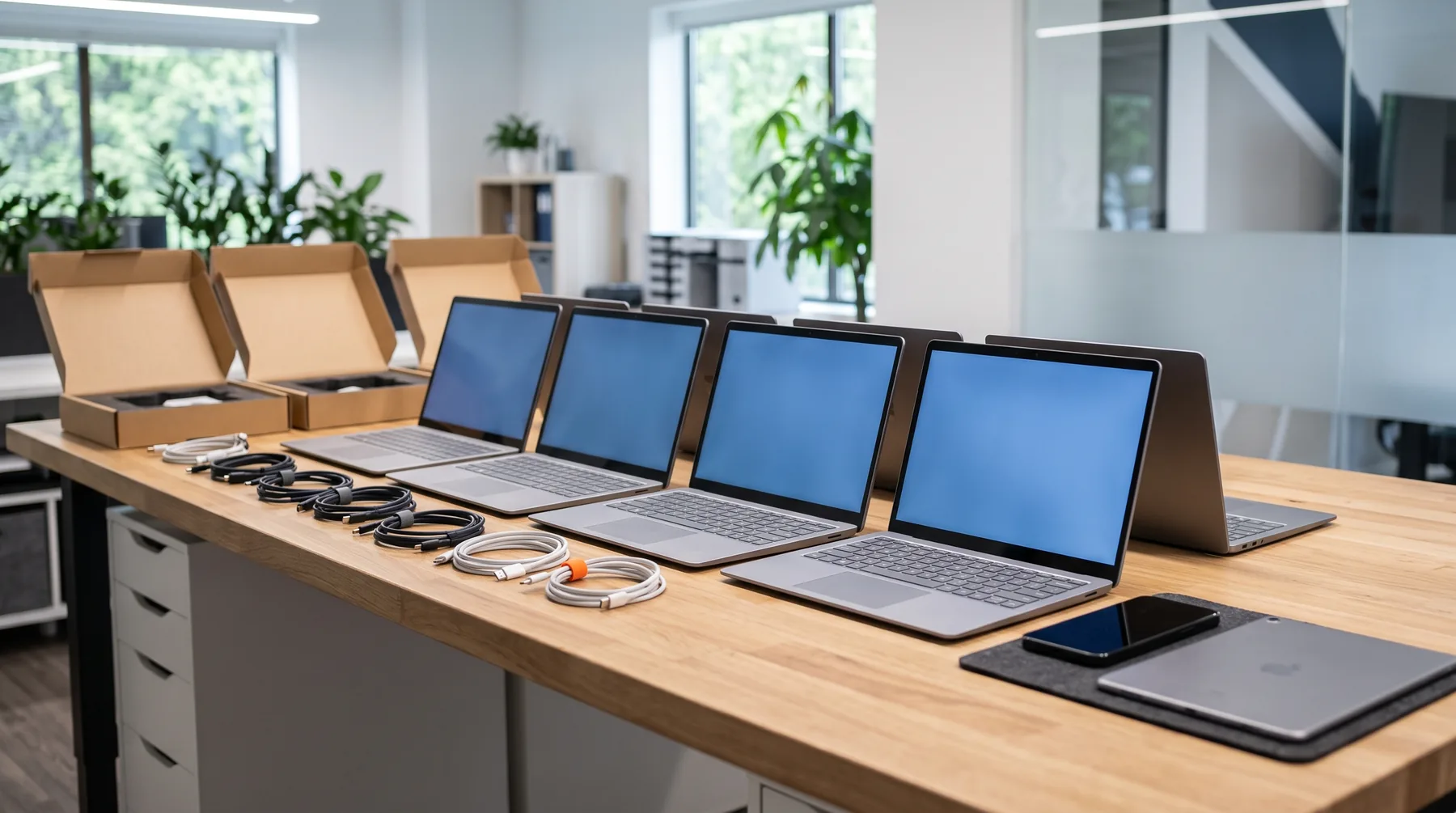
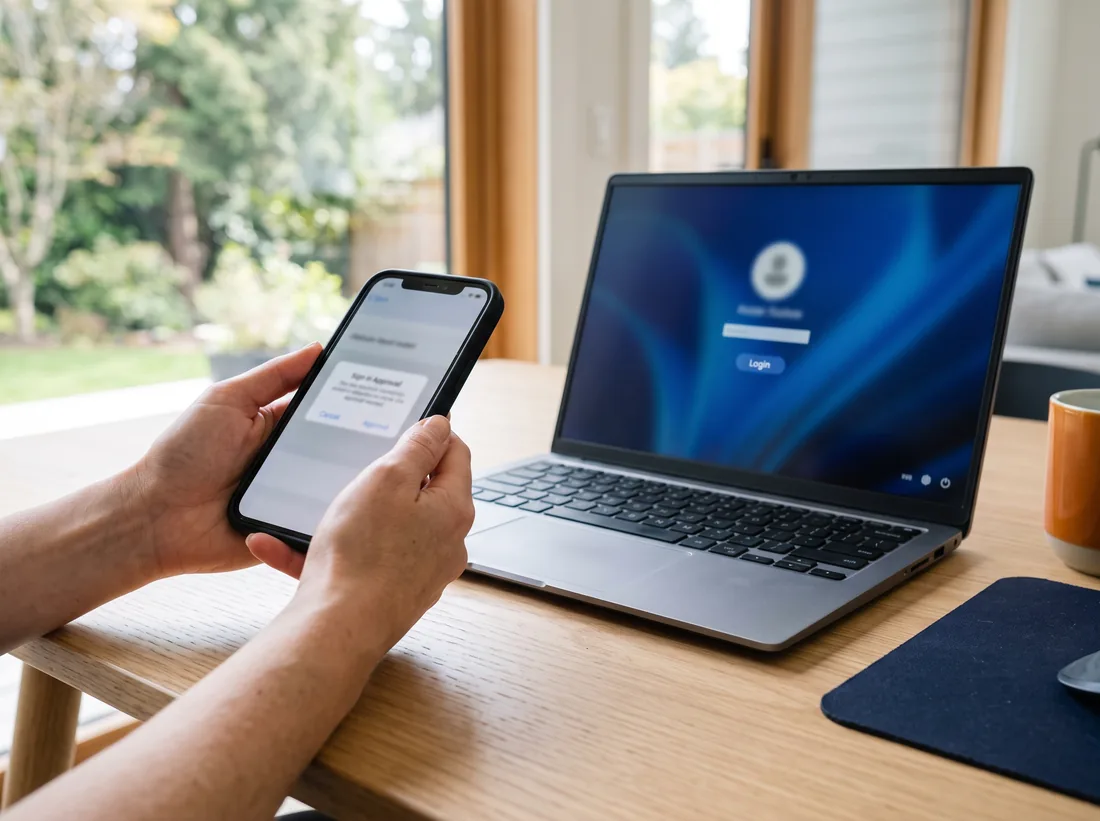
Microsoft Intune fixes that. It comes with Microsoft 365 Business Premium, and it lets us enrol every company laptop and phone, apply the same security settings to all of them, install the right apps and wipe a device that goes missing. With Windows Autopilot, a new laptop can go straight from the box to the employee: they sign in with their work account and it sets itself up.
Offboarding follows a checklist, done the same day: sign-ins blocked, devices wiped or reassigned, mailbox kept, files handed over. Call 604-359-5284 and we’ll check what your current licences already allow.
What’s included
What Device & User Management Covers
Device enrolment
Every company laptop and phone registered in Intune, including the ones already in use. New Windows laptops can use Autopilot.
Security baselines
Drive encryption, screen locks, firewall, updates and sign-in rules applied to every device the same way.
App deployment
Microsoft 365 apps, the browser, your line-of-business software and printers pushed out automatically.
Phones and personal devices
Company phones fully managed. Personal phones get app protection only: company email and files protected, personal photos left alone.
Onboarding and offboarding
A request form for new starters and leavers, and a checklist we follow every time, so nothing gets missed.
Asset tracking
Who has which device, when the warranty ends and when it should be replaced, kept in one list you can see.
In detail
The Life of a Company Laptop
Five stages, one system. Each stage is logged, so you always know where every device is.
- Order
- Business-grade laptop quoted and ordered, registered for Autopilot by the supplier where possible
- Enrol
- Employee signs in with their work account; the laptop sets itself up
- Secure
- Encryption, updates and security settings applied automatically by Intune
- Support
- Monitored, patched and supported for its working life, usually four to five years
- Retire
- Wiped remotely or in person, removed from the list, recycled responsibly
Licences: Intune and Microsoft Entra ID P1 are included in Microsoft 365 Business Premium. They aren’t part of Business Basic or Business Standard, so part of the review is checking whether your current licences cover what you need. Sometimes the answer is to upgrade a few users, not everyone.
How it works
Four Steps to Get Started
- 01
Licence check
We look at which Microsoft 365 licences you have and what they include.
- 02
Policies designed
Security settings, app lists and phone rules agreed with you before anything is applied.
- 03
Devices enrolled
Existing devices enrolled in small groups so nobody loses a working day.
- 04
Joiners and leavers
A simple request process, then the same checklist every time someone starts or leaves.
What it costs
Pricing for Device & User Management
Device & User Management is included in every outsourced IT department plan, which typically costs $100–$250 per user per month in Surrey. Businesses that manage their own IT can add it on its own or as part of co-managed IT, quoted after a free review.
Is it right for you?
Who It Suits
Any business that hires regularly, has staff working from home or on the road, or has ever asked “who still has a laptop?” after someone left. Warehouses and trades firms with shared tablets and phones benefit as much as offices.
It matters most where data is sensitive. A clinic, accounting firm or law office that loses an unencrypted laptop has a privacy problem, not just a hardware problem. An encrypted, managed laptop can be locked and wiped, which changes the conversation.
If you’re setting this up yourself, our free onboarding and offboarding checklist lists the steps we follow.
Talk it through
Not sure which service fits? Describe your setup and we’ll tell you honestly.
Book a Free IT ReviewQuestions
Device & User Management: Common Questions
Do staff have to enrol their personal phones?
No. Personal phones can use app protection instead: company email and files are protected inside the Outlook and Teams apps, and we can wipe that company data without touching anything personal.
What happens if a laptop is stolen?
If it’s managed, it’s encrypted, so the data can’t simply be read off the drive. We can lock it or wipe it remotely the next time it connects, and block the user’s sign-ins until they have a replacement.
We’re on Business Standard. Do we have to upgrade everyone?
Not necessarily. Intune and Entra ID P1 are included in Business Premium, and they can also be licensed separately. We’ll compare the options for your user count and recommend the cheaper one that does the job.
How fast can you offboard someone?
As soon as you tell us, during business hours. For planned departures we can schedule it for the moment their last shift ends, so access stops exactly when it should.
Areas
Device & User Management Across Surrey
More services
Other Ways We Help
- Outsourced IT DepartmentWe become your IT team: help desk, troubleshooting, onsite visits, installs, security and planning.
- Co-Managed ITKeep your in-house IT person and give them a help desk, tools, security and cover.
- IT Monitoring, Patching & Endpoint SecurityUpdates applied after hours, backups and disks watched, security alerts reviewed by people.
- Azure & SharePoint CloudRetire the old server: files to SharePoint and Teams, apps to Azure, backups off-site.
- vCIO & IT PlanningA technology roadmap, an IT budget and quarterly reviews with a senior IT advisor.
Free IT review
Ready for IT You Don’t Have to Think About?
Book a free, no-obligation IT review. We’ll look at what you have, tell you what we’d change, and give you a monthly price.
Monday to Friday, 8am to 5pm · Business IT only